
Your Ultimate Guide to Engaging & Earning
Updated November 21, 2026 • 3-min read
Community & Culture
Hello VEARN family! We've noticed some of you are having a tough time navigating our new 'Engage & Earn' feature. No worries, we've got you covered with this step-by-step guide to ensure you're raking in those rewards in no time!
Why Some Users Miss Out on Rewards
Before we jump into the guide, let's tackle why some of you might be missing out. The key to earning is following the task instructions to the letter. Each task is a new adventure - and we've hidden some Easter eggs along the way for you to discover!
Step-by-Step Engagement Guide
-
Choose Your Task
- Navigate to the 'Engage & Earn' section on VEARN's main page.
- Browse through the list of fun tasks - each with its unique set of rewards.
- Click on the task you're excited to dive into.
-
Understand the Task Requirements
- After selecting your task, review the requirements carefully.
Some promotions require a screen recording for proof, while others accept screenshot uploads instead.
Always check what the task specifically requests before proceeding.
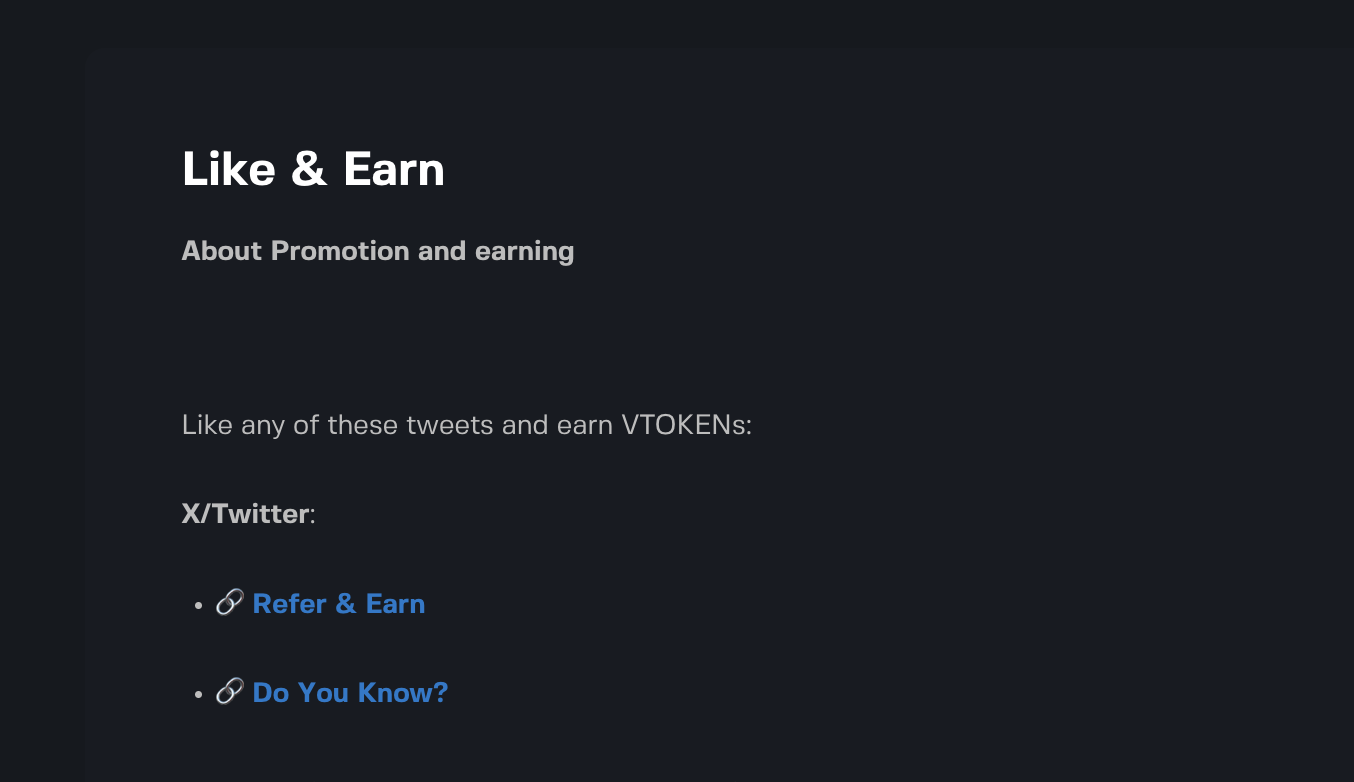
- After selecting your task, review the requirements carefully.
-
Decide Your Submission Count
- After selecting your task, input the number of submissions you're intending to make for this task and hit Upload proof
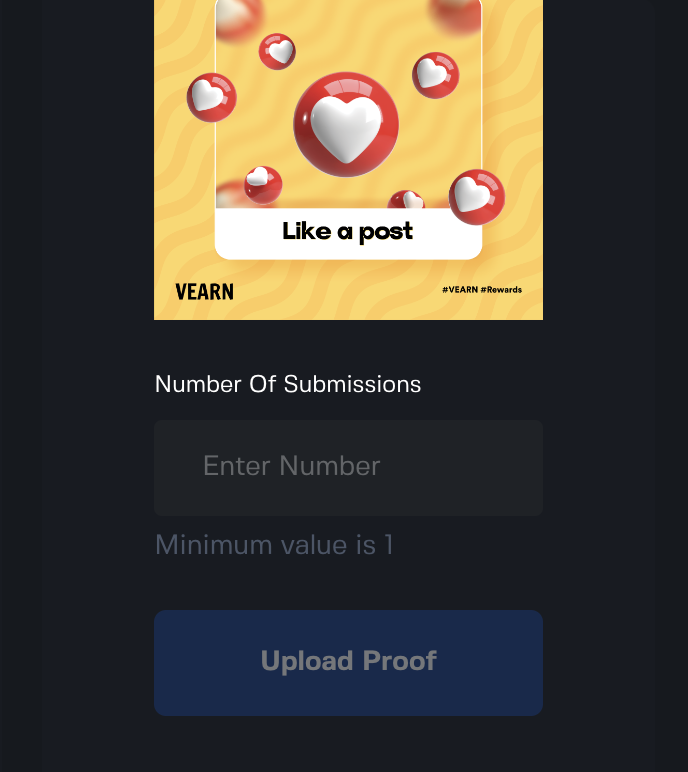
- After selecting your task, input the number of submissions you're intending to make for this task and hit Upload proof
-
Initiate Proof Submission
-
If your task requires a screen recording:
- Hit "Start Recording" to generate a QR code and begin your task.
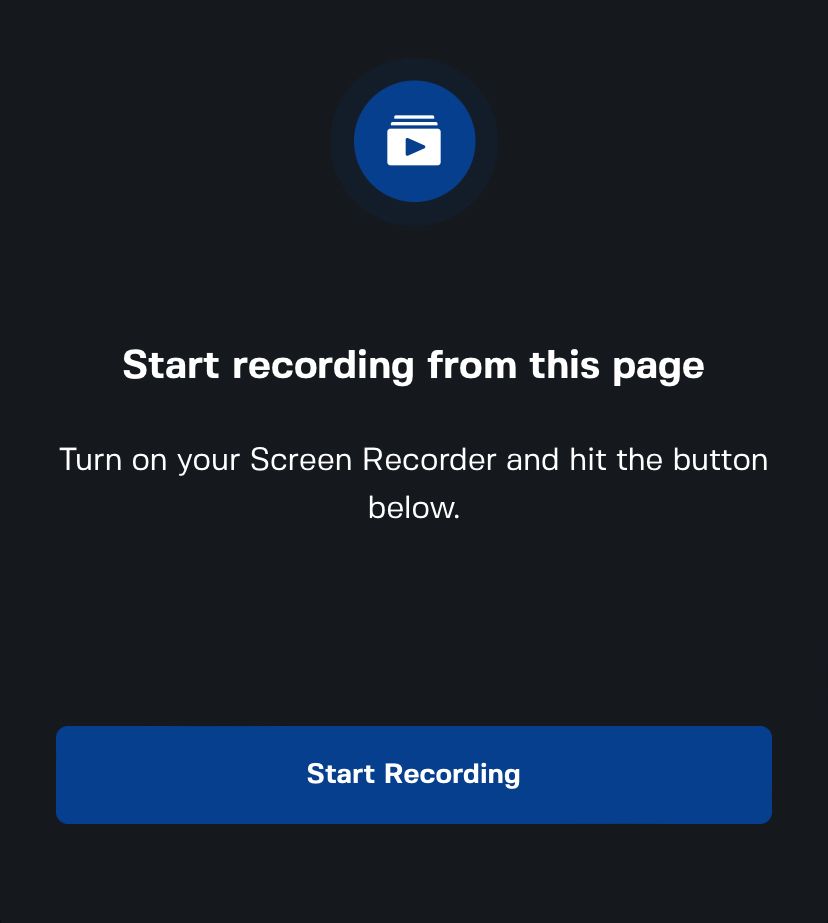
- Got the QR code? Great, you're on your way!
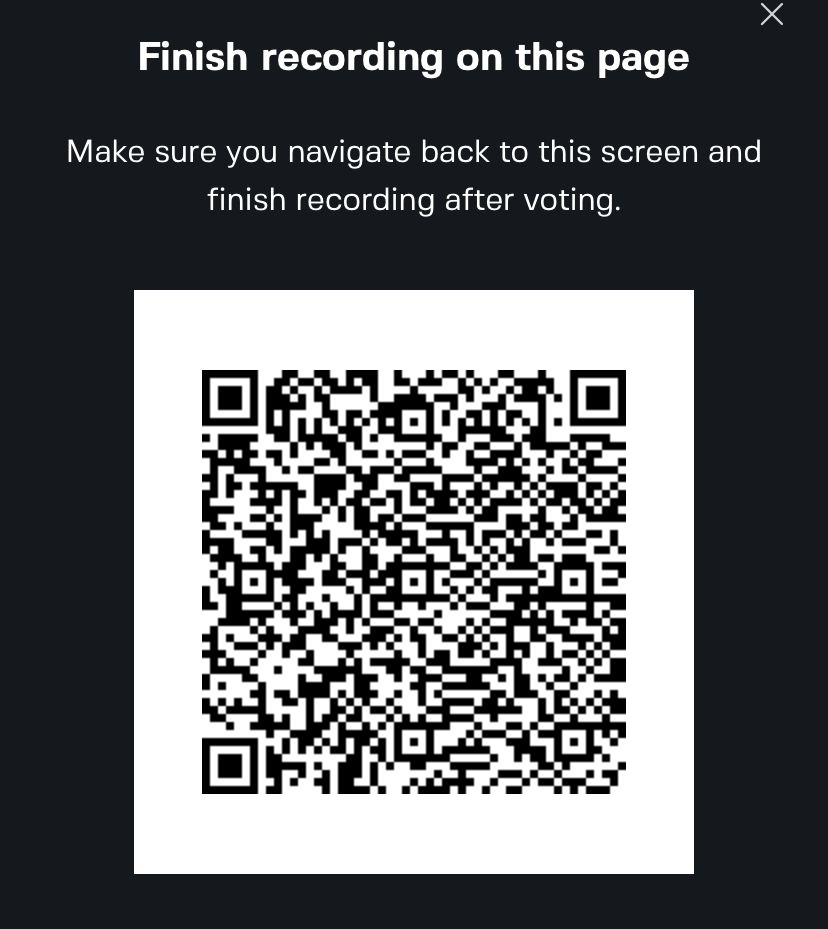
- For iOS users: Use the built-in screen recording feature.
- For Android users: If your device lacks one, download AZ Screen Recorder from the Play Store.
- Hit "Start Recording" to generate a QR code and begin your task.
-
If your task allows image upload:
- Capture a clear screenshot showing your completed action (e.g., liked post, shared content, comment made, etc.).
- Make sure the screenshot clearly shows the necessary proof details of completion i.e username, timestamp, post visibility, etc.)
-
-
Complete Your Task
- Perform the required action as described in the task’s ‘About’ section — liking, sharing, commenting, or another fun activity.
- For recording-based tasks: keep your screen recording running until you return to the VEARN QR code screen.
- For screenshot-based tasks: capture your proof at the right moment.
-
Submit Your Proof
- After clicking "Finished Recording" or completing your screenshot:
- You’ll land on the proof submission page.
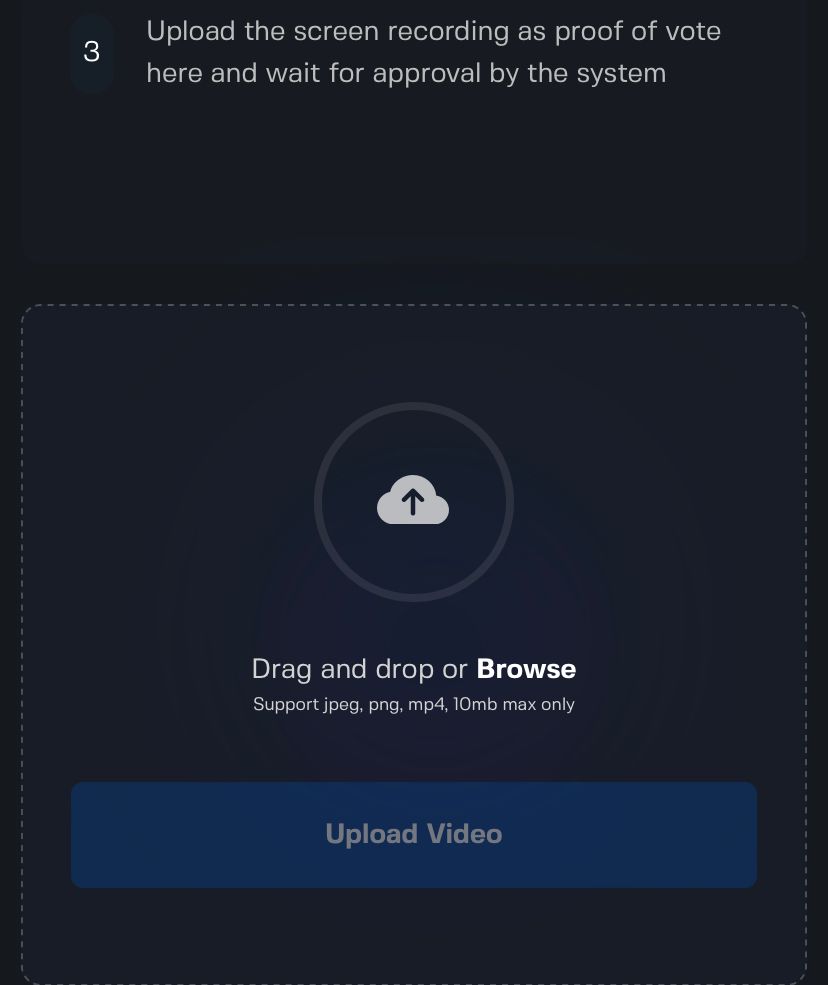
- Depending on the task:
- 📹 Upload Video Proof (screen recording)
- 🖼️ Upload Image Proof (screenshot)
- Choose your file, upload it, and hit Submit — it’s proof time!
- You’ll land on the proof submission page.
- After clicking "Finished Recording" or completing your screenshot:
-
Submit Your Proof
- Post-clicking "Finish Recording", you'll land on the submission upload page.
- Upload the screen recording of your task. It's proof time!
-
For Our Visual Learners:
- Need to see it to believe it? Check out our YouTube guide:
By following these steps, you're all set to maximize your earnings on VEARN. Dive in, complete tasks, discover Easter eggs, and watch the rewards pile up!
Ready to engage and earn like a pro? Jump in and let the fun begin! 🎉
Promo & Article Images